

#Short Answer
Reviews the pros and cons of cloud vs on-premise AI, including benefits, risks, limitations, and trade-offs.
#Infobox
Cloud vs On-Premise AI Definition Comparison of AI deployment models: cloud-based and on-premise solutions Key Advantages Scalability, cost-efficiency, accessibility, maintenance Key Disadvantages Data security, latency, dependency, compliance Primary Users Enterprises, SMEs, developers, researchers Deployment Models Public cloud, private cloud, hybrid cloud, on-premise Notable Providers AWS, Microsoft Azure, Google Cloud, IBM Watson, NVIDIA AI
#Overview
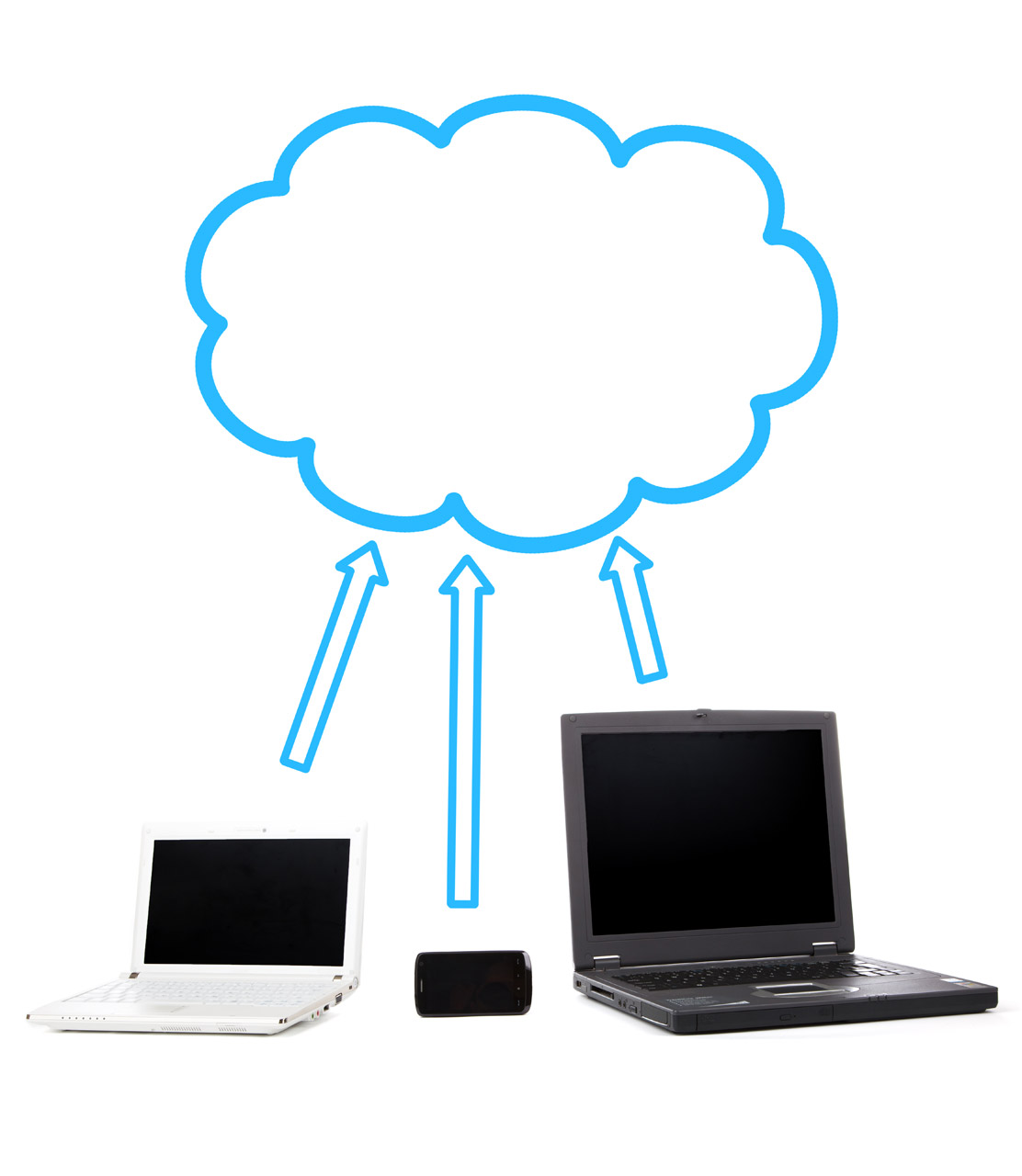
Artificial Intelligence (AI) deployment strategies have evolved significantly, with two primary models emerging: cloud-based AI and on-premise AI. Cloud AI utilizes remote data centers managed by third-party providers, enabling users to access AI services via the internet. On-premise AI, in contrast, involves hosting AI models and infrastructure within an organization’s own facilities, offering direct control over data and operations.
The choice between these models depends on factors such as budget, security requirements, scalability needs, and regulatory compliance. While cloud AI is favored for its flexibility and reduced operational overhead, on-premise AI appeals to industries with stringent data governance policies or specialized hardware needs.
#Key Differences
- Cost Structure: Cloud AI typically follows a pay-as-you-go model, whereas on-premise AI incurs higher initial capital expenditures (CapEx) for hardware and software.
- Scalability: Cloud solutions allow rapid scaling of resources, while on-premise solutions require physical upgrades.
- Security and Compliance: On-premise AI offers greater data control, which is critical for sectors like healthcare and finance.
- Maintenance: Cloud providers handle updates and maintenance, whereas on-premise systems demand in-house IT expertise.
- Latency: On-premise AI often delivers lower latency due to localized processing, whereas cloud AI may suffer from network delays.
#History / Background
#Evolution of AI Deployment
The concept of AI deployment has transitioned from early mainframe-based systems in the 1950s to distributed cloud architectures in the 21st century. The 1980s and 1990s saw the rise of client-server models, which laid the groundwork for modern on-premise solutions. The advent of cloud computing in the 2000s, pioneered by companies like Amazon Web Services (AWS) and Google Cloud, revolutionized AI accessibility by enabling remote processing and storage.
#Milestones in Cloud AI
- 2006: AWS launches Elastic Compute Cloud (EC2), enabling scalable AI workloads.
- 2010: Google introduces BigQuery, a serverless cloud data warehouse supporting AI analytics.
- 2015: Microsoft Azure AI services become widely adopted for enterprise applications.
- 2018: NVIDIA’s GPU-accelerated cloud platforms enhance deep learning capabilities.
- 2020: The COVID-19 pandemic accelerates cloud AI adoption for remote work and automation.
#Milestones in On-Premise AI
- 1956: The Dartmouth Conference marks the birth of AI, with early systems running on university mainframes.
- 1980s: Rule-based expert systems like MYCIN and XCON are deployed on local servers.
- 1997: IBM’s Deep Blue defeats Garry Kasparov, showcasing on-premise AI’s computational power.
- 2010s: Companies like Tesla and SpaceX develop proprietary on-premise AI for autonomous systems.
- 2023: Edge AI gains traction, enabling on-premise processing for IoT devices and real-time applications.
#How It Works
#Cloud AI Architecture
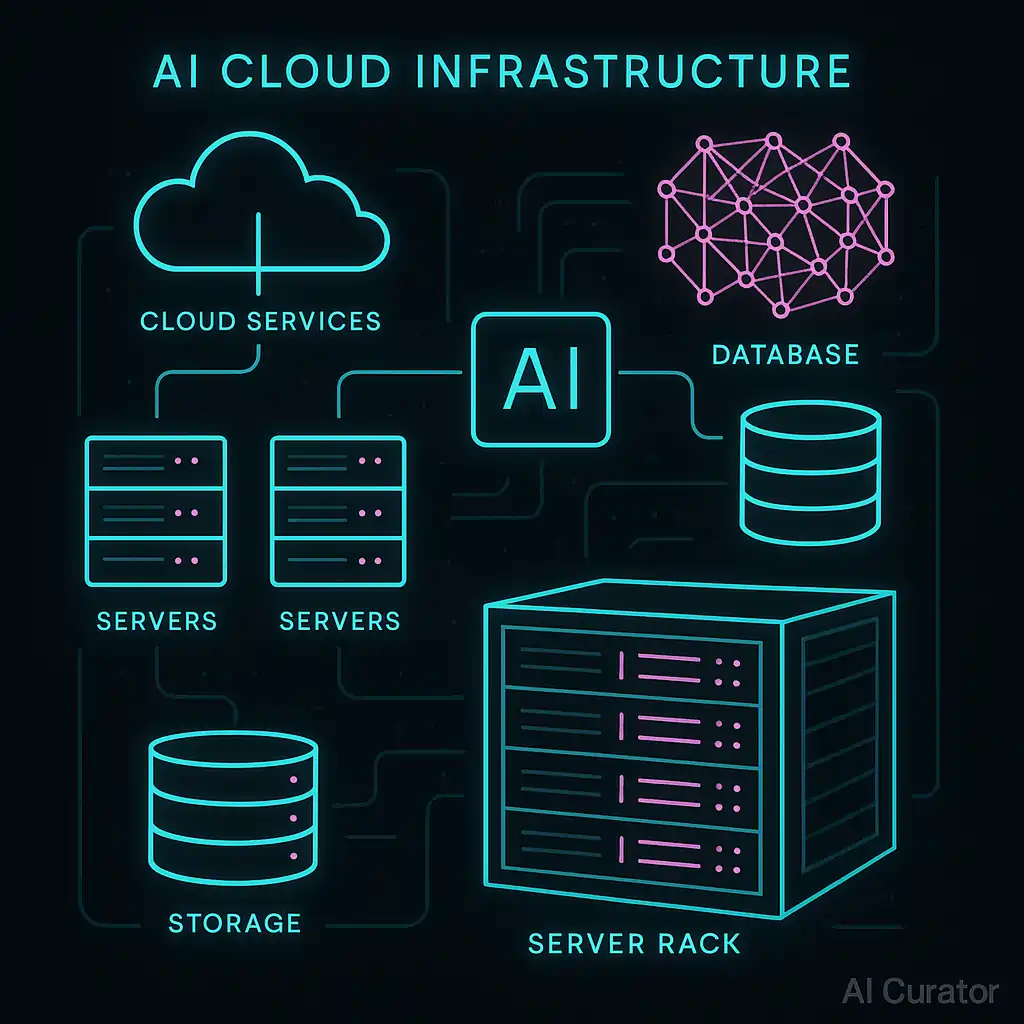
Cloud AI operates through a distributed model where AI workloads are executed on remote servers managed by cloud providers. Users interact with these services via APIs, web interfaces, or SDKs. The architecture typically includes:
- Frontend: User interfaces (e.g., dashboards, chatbots) for input and output.
- Backend: AI models (e.g., machine learning algorithms) hosted on cloud servers.
- Data Storage: Cloud databases (e.g., AWS S3, Google Cloud Storage) for training and inference data.
- Compute Resources: GPUs/TPUs for accelerated training and inference.
- Networking: APIs and protocols (e.g., REST, gRPC) for communication.
Examples of cloud AI services include AWS SageMaker, Google Vertex AI, and Microsoft Azure AI. These platforms offer pre-trained models, automated machine learning (AutoML), and customizable environments for developers.
#On-Premise AI Architecture
On-premise AI involves deploying AI models and infrastructure within an organization’s physical or virtual servers. The architecture consists of:
- Hardware: Servers, GPUs, TPUs, or specialized AI accelerators (e.g., NVIDIA A100).
- Software: AI frameworks (e.g., TensorFlow, PyTorch) and operating systems.
- Data Storage: Local databases (e.g., SQL, NoSQL) or data lakes.
- Networking: Internal networks for secure data transfer.
- Security: Firewalls, encryption, and access controls.
On-premise AI is often used for applications requiring low latency, high security, or compliance with regulations like HIPAA or GDPR. Examples include autonomous vehicle systems, industrial IoT, and financial fraud detection.
#Important Facts
- Market Growth: The global AI market is projected to reach $1.8 trillion by 2030, with cloud AI holding a dominant share.
- Cost Savings: Cloud AI can reduce operational costs by up to 40% compared to on-premise solutions for small to medium-sized enterprises (SMEs).
- Security Risks: 60% of data breaches in AI systems occur due to misconfigured cloud storage, according to IBM’s 2023 report.
- Latency Comparison: On-premise AI can achieve sub-10ms response times, while cloud AI may experience delays of 50-200ms depending on network conditions.
- Energy Efficiency: Cloud data centers consume 1% of global electricity, with AI workloads contributing significantly to this demand.
- Regulatory Compliance: On-premise AI is mandatory for industries handling sensitive data, such as healthcare (HIPAA) and defense (ITAR).
#Timeline
Year Event 1956 Dartmouth Conference establishes AI as a field; early AI systems run on mainframes. 1980s Rule-based expert systems (e.g., MYCIN) deployed on local servers. 2006 Amazon Web Services launches EC2, enabling scalable cloud computing. 2010 Google BigQuery launches, supporting AI-driven analytics in the cloud. 2015 Microsoft Azure AI services become widely adopted for enterprise applications. 2018 NVIDIA’s GPU-accelerated cloud platforms (e.g., NVIDIA AI Enterprise) enhance deep learning. 2020 COVID-19 pandemic accelerates cloud AI adoption for remote work and automation. 2022 Edge AI gains traction, enabling on-premise processing for IoT devices. 2023 Regulatory scrutiny increases on cloud AI data privacy, prompting hybrid solutions.
#Related Terms
#FAQ
What does Cloud Vs On-Premise AI: Pros And Cons cover?
Reviews the pros and cons of cloud vs on-premise AI, including benefits, risks, limitations, and trade-offs.
Why is Cloud Vs On-Premise AI: Pros And Cons important?
It helps readers understand key concepts, compare practical use cases, and evaluate how Technology decisions affect outcomes, risks, and implementation choices.
What should readers verify before applying this topic?
Readers should compare the benefits, limitations, data requirements, and related themes such as Comparison, Trade Offs, Cloud before using the ideas in real projects.
#References
- Cloud Vs On-Premise AI: Pros And Cons terminology and background research
- Cloud Vs On-Premise AI: Pros And Cons use cases, implementation examples, and limitations
- Technology best practices, standards, and risk guidance
- Comparison case studies, benchmarks, and current industry analysis

Comments
No comments yet. Start the discussion with a useful note.